MIDI in, MIDI out
Drum grooves in and out of your DAW, as MIDI.
Every groove, score and warm-up routine in Groove IO downloads as a Standard MIDI File on the General MIDI drum map, ready for a drum track in any DAW or for your e-kit’s module. A .mid from your DAW or kit imports the other way, as notation you can practise, edit and share.
Every plan is free while we’re in early access. No card.
MIDI in, MIDI out
Your grooves go to your DAW and your e-kit. What you play there comes back as notation.
Every groove, score and warm-up routine in Groove IO is a Standard MIDI File away from the rest of your setup. Download one and it plays in any DAW or drives any electronic kit; import one and it lands as notation you can practise, edit and share. Plug the kit in over USB and practice mode hears every hit exactly, with no microphone in the room.
Out to your DAW
Press Download MIDI on a groove, a score, a warm-up routine or a shared link. Repeats are written out so the file plays what you would hear, tempo and meter changes included, on channel 10 in the General MIDI drum map. It lands on a drum track without remapping.
In from your DAW or e-kit
Record a pattern on your kit or program one in your DAW, save it as a .mid file and drop it on Groove Studio. Each hit is snapped to the finest grid that fits its bar, so a triplet stays a triplet, and anything the import had to decide is listed before you save it as a groove or a score.
Live, while you practise
Choose MIDI (e-kit) as the input on the practice card and your module sends every hit with the drum it landed on and how hard. No level or timing calibration to run, a by-drum breakdown at the end of the take, and a hit on the wrong drum is called out rather than credited.
What travels with the file
Dynamics survive the trip
Accents, plain hits and ghost notes travel as velocity and come back as the same marks, so a groove with feel is still a groove with feel once it is in your DAW.
Tuplets stay exact
Files are written at the score model’s own resolution, so every triplet and tuplet position is an exact tick rather than a rounded one.
A kit map you teach once
General MIDI is the default and most modules speak it. If yours does not, hit each drum once in Practise setup and the map is remembered for that kit.
Wired or wireless
USB, or a USB-MIDI cable on a 5-pin MIDI OUT, needs nothing more. On Bluetooth MIDI an optional offset measurement takes the link’s delay out of your timing.
Live e-kit input uses Web MIDI, which Chrome and Edge support and Firefox supports once its MIDI site permission is installed. Safari has no Web MIDI, so on a Mac use Chrome, or plug the module’s line-out into your microphone input. Download and import work in every browser.
The patterns worth knowing by heart
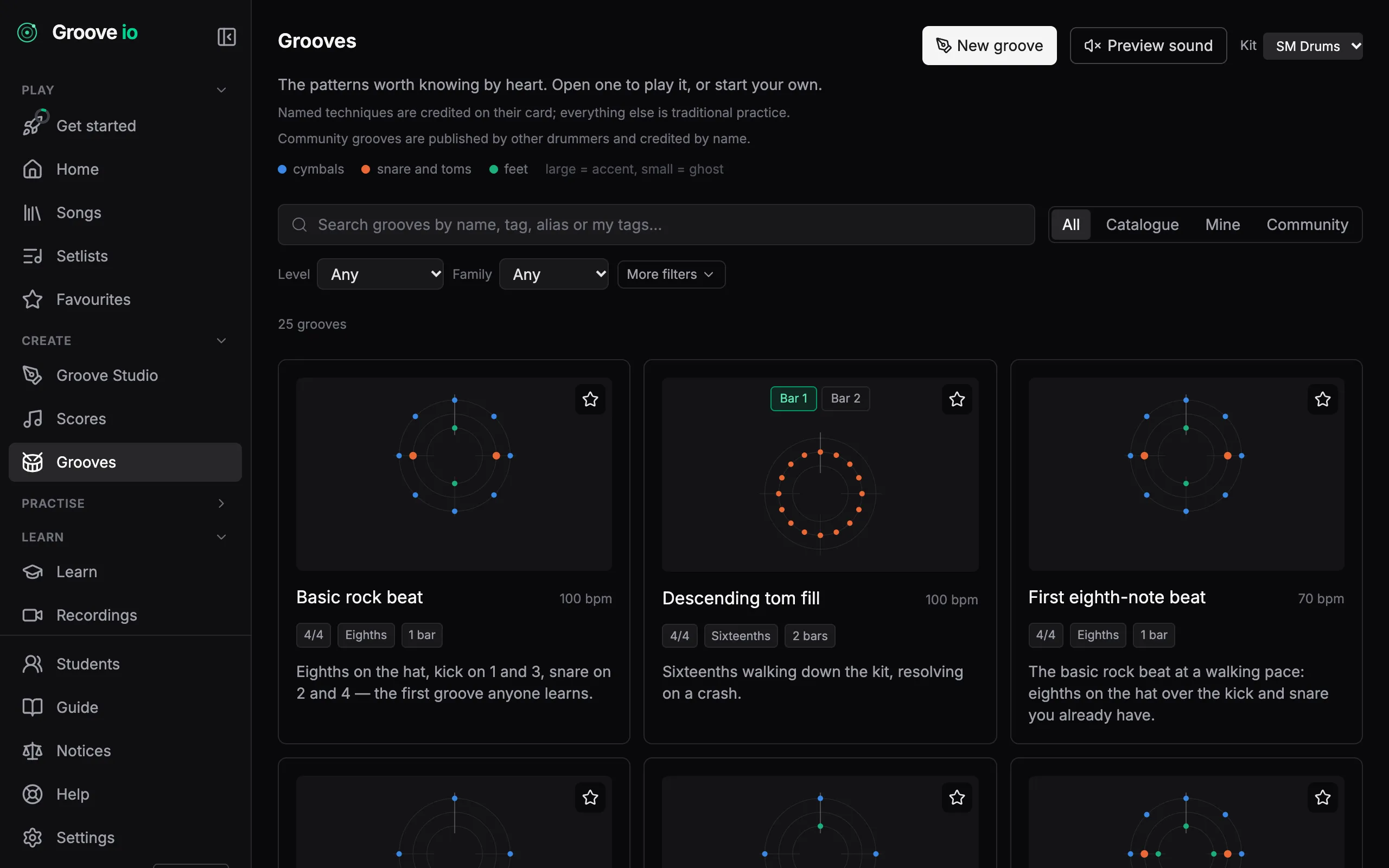
Second line, son clave, bossa, half-time shuffle, jazz ride. Open one, play it at any tempo, then save a copy and make it your own. The catalogue itself never changes, so what you learned last month is still there.
Groove Studio
Write your own grooves and scores in a notation editor made for drums. Drop a catalogue groove into a score, cut bars out of a score as a groove of your own, and share either with a link that needs no account to open.
How it works →Community grooves
Publish a groove and other drummers can play it, rate it and copy it into their own Studio. Every published groove carries your name, and a report button keeps the catalogue honest.
How it works →The forty rudiments
All forty international drum rudiments in their four families: rolls, diddles, flams and drags. Each one is engraved with its sticking under every stroke. Open one, press Practise, and your strokes are scored against the written ones.
How it works →The grooves inside a song
Most songs are a handful of grooves joined by fills. Groove IO finds the ones that repeat in your chart, shades their bars and draws a map of the song above the notation. Save any of them as a groove of your own and practise it by itself.
How it works →
Questions
- Which drum map does the export use?
- Channel 10, the General MIDI percussion channel, on the standard map: kick 36, snare 38, hi-hat closed, pedal and open on 42, 44 and 46, floor, mid and high tom on 43, 45 and 48, crash 49, ride 51 and ride bell 53. Any GM or GM-compatible kit reads it as is.
- Do accents and ghost notes survive?
- Yes. Accent, plain and ghost hits travel as velocity and come back as the same marks on import, so a groove with feel is still a groove with feel in your DAW.
- What can I import?
- A Standard MIDI File in format 0 or 1, from a DAW export or an e-kit recording. Each hit is snapped to the finest grid that fits its bar, and the dialog lists anything it had to decide before you save. Eight bars or fewer defaults to a groove, longer to a score.
- Which plans?
- Download MIDI and Import MIDI are on every plan. Saving an import as a groove spends one of your groove allowance; saving it as a full score needs Pro.